
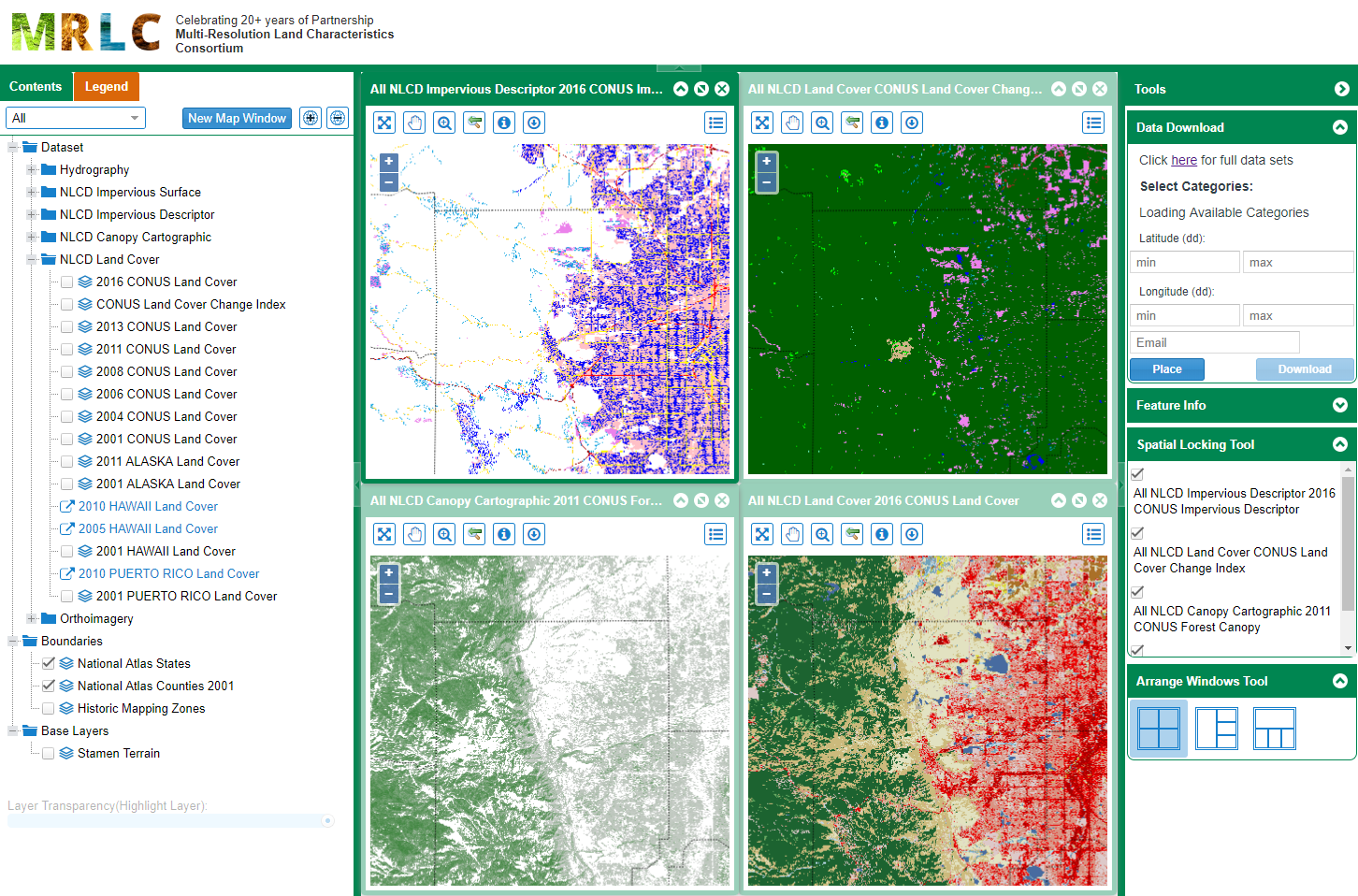
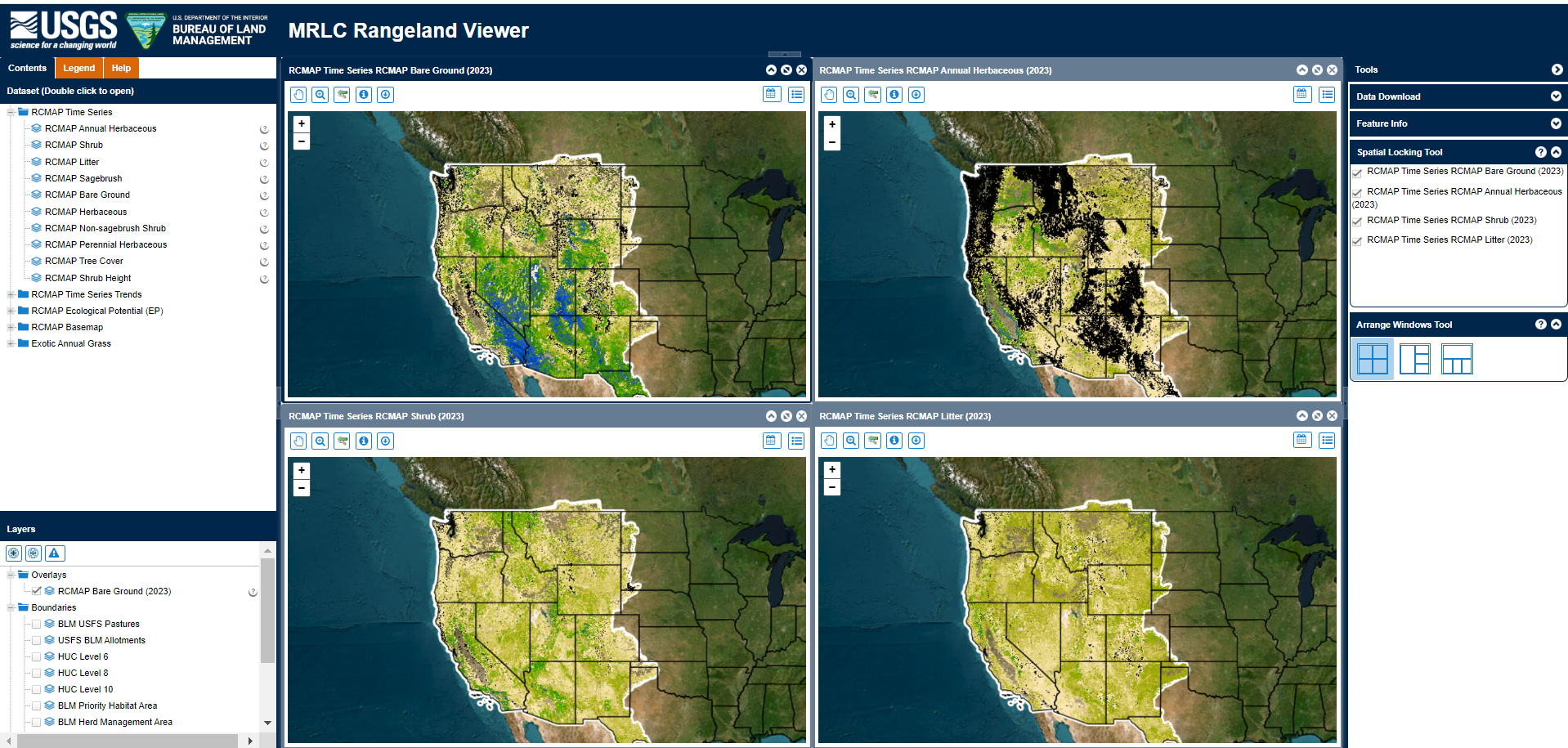
MRLC provides several tools to allow users to interact with data, download custom extents and support quick analysis. The MRLC NLCD Viewer enables user interactivity with the NLCD product suite, the MRLC Rangeland Viewer provides a dynamic platform to interact with RCMAP data and the MRLC NLCD EVA tool provides county level analysis and statistics on NLCD land cover change.
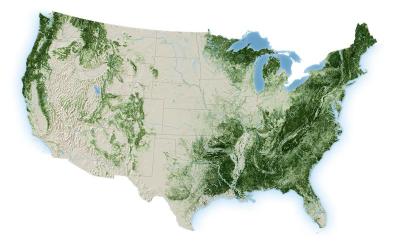
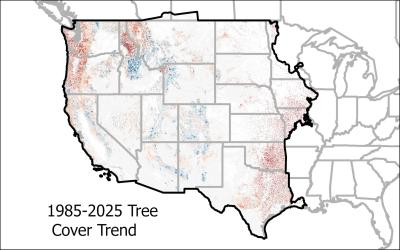
National Annual Tree Canopy Cover data now available from 1985-2025 for CONUS
Published
The USDA Forest Service Geospatial Office (GO) and Research and Development - Forest Inventory and Analysis (FIA) builds and maintains the National Tree Canopy Cover (TCC) dataset as part of the National Land Cover Database (NLCD). Annual data for the contiguous United States is now available from 1985-2025. The TCC datasets are derived from Landsat and Sentinel-2 imagery along with USDA Forest Service FIA data, based on a spatial resolution of 30 meters. Each Tree Canopy Cover (TCC) value is determined using photo interpretation methods and machine learning models, to produce the percentage of the area covered by tree canopy and interannual change between all years.Data for Southeast Alaska, Puerto Rico, and the U.S. Virgin Islands are expected to be released later in 2026.
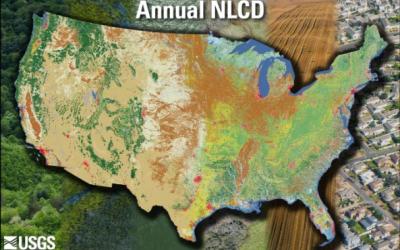
Annual NLCD CONUS Collection 1.2 Now Available
Published
Land Cover Characteristics in a Suite of Six ProductsAnnual NLCD CU C1.2 adds 2025 to the established suite of six raster-based land use and land cover science products for the conterminous United States. It now covers the period between 1985 and 2025:
1. Land Cover
2. Land Cover Change
3. Land Cover Confidence
4. Fractional Impervious Surface
5. Impervious Descriptor
6. Spectral Change Day of Year
New Generations of RCMAP and EAG Data Available
Published
The U.S. Geological Survey Rangeland Condition Monitoring Assessment and Projection (RCMAP) Exotic Annual Grass (EAG) team is pleased to announce the release of a new generation of weekly resolution maps. We initially release weekly data for 2026 weeks 10-16 (March 11 – April 15) for total herbaceous, total EAG, cheatgrass, medusahead, field brome, and Sandberg’s Bluegrass. This will be followed by weekly releases through week 38 (late September) of 2026. Weeks 10-38 of 2016-2025 will also be processed and distributed in summer 2026.A new generation of RCMAP (Rangeland Condition, Monitoring, Assessment, and Projection) fractional component time-series data spanning 1985-2025 are now available.
Both RCMAP and RCMAP-EAG data are available for download and on the rangelands viewer at www.mrlc.gov, and ArcGIS Online.